
With JoomRSS component you will be able to generate RSS Podcast feed using Joomla articles, follow this steps:
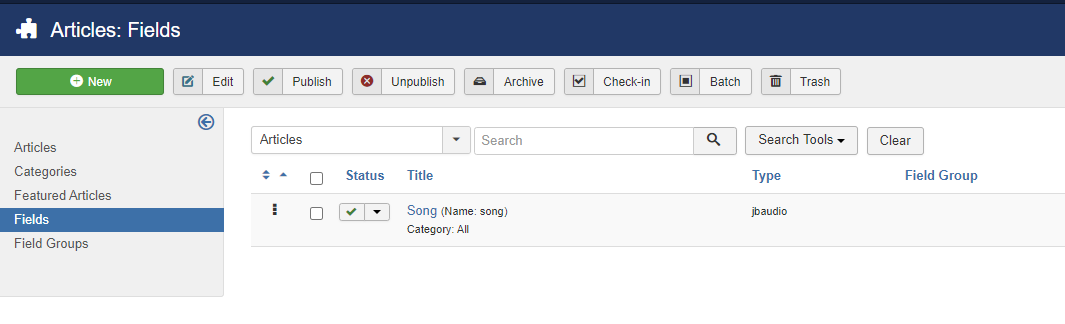
- Go to Content -> Fields -> click on "new" to create a new custom field, name it for example "Audio" or "Song", choose type JB Audio or Url or Text field
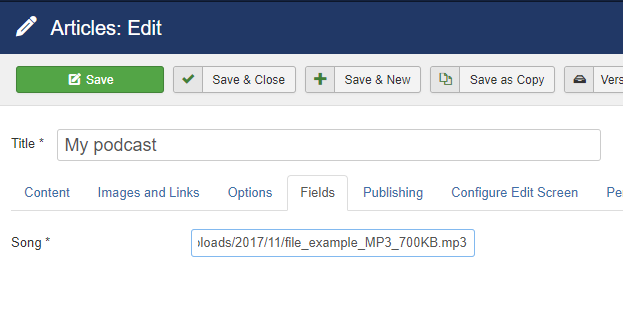
- Edit every article that you want as podcast and edit "Song" field value
- Go to JoomRSS -> Feed Manager -> click on "New" to create a new rss feed, name it for example "My rss podcast" then select "JoomRSS - Content" in "Data Source" parameter
- Then scroll down and choose "Song" field in "Episode Enclosure" parameter
