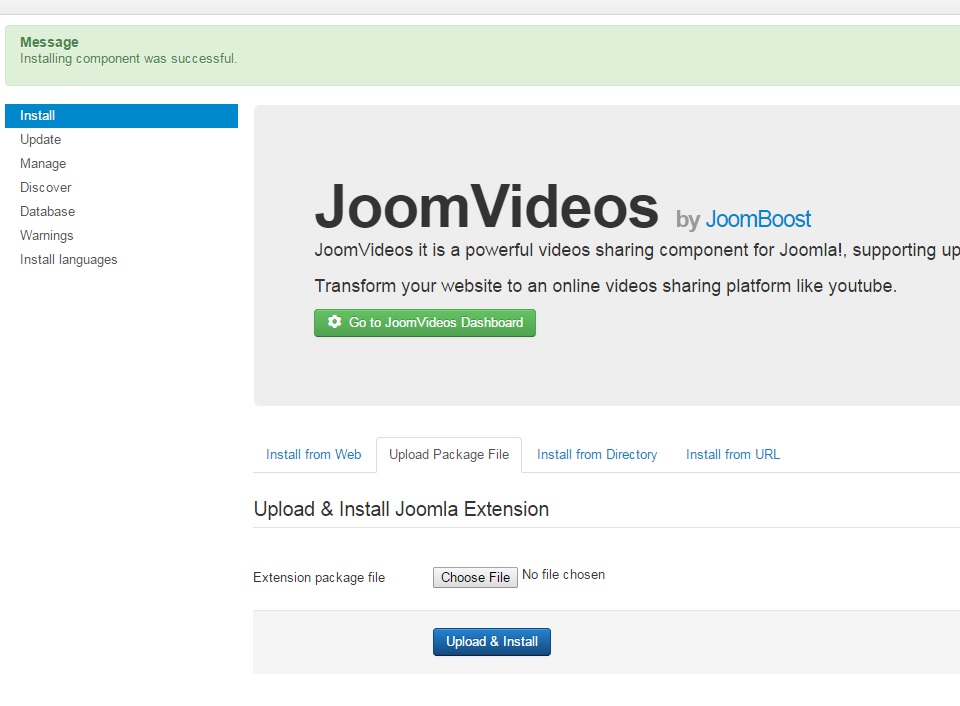
You can update JoomVideos using 2 methods, using upload / install or extension update manager
1) Extension update manager
Make sure to add your download ID in JoomVideos dashboard first, then go to extensions -> manage -> update.
Read more about it in details here: https://docs.joomla.org/Help39:Extensions_Extension_Manager_Update
2) Upload and install
Before you begin with the installation, remember to download the latest version from your account area at https://www.joomboost.com/my-products.html
Step 1
Login to your Joomla back end and head on to the installation area at Extensions > Extension Manager
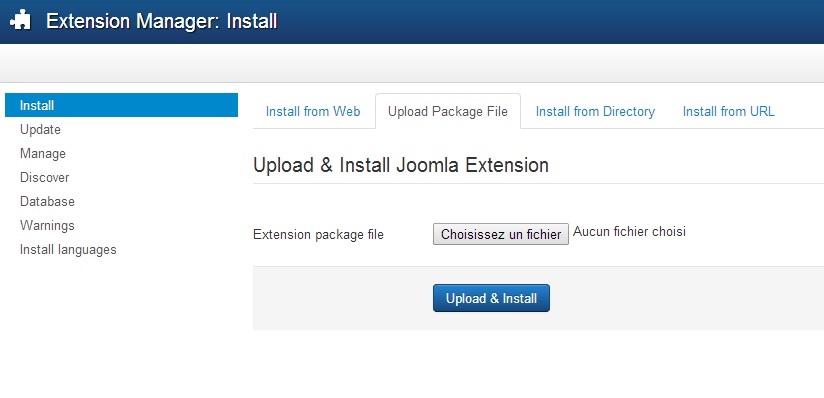
Step 2 (Installation by upload of package)
Locate for the package which you have downloaded earlier by clicking on the "Browse" button. Hit the Upload File & Install button.
Step 3
Installation is completed now.