
1) Search form module (mod_easyjobsmanager_search)
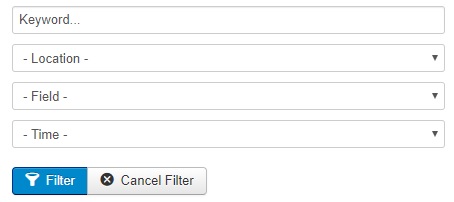
This module shows a search form. You can serach jobs by field, place, type of position or keyword. A similar feature as filters on top of jobs listing component view.
Configuration
- You can hide 3 of 4 search parameters here. If you hide Contract(=Type of position) then the Flexi-time hint will disappear.
- Advanced:
- you can set background color (css value like #ffffff for white, or even red, green etc. No need to know CSS.
- padding adds inner space around form, add values in pixels
- enter css classes if you want to customize the form layout
- you can disable the module CSS here
- you can hide the module footer here
2) Jobs listing module (mod_easyjobsmanager_jobs)
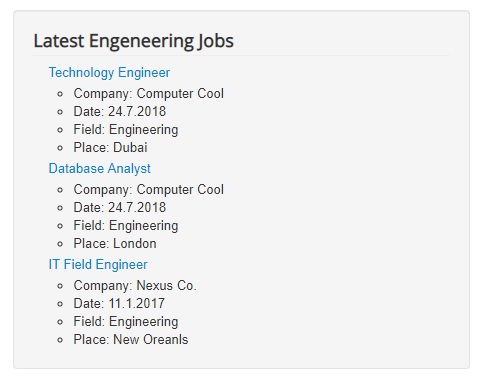
The module shows latest, recommended or favourite jobs. Recommended and Favourite works only for logged in Candidates.
Configuration
- you can (and should) limit the records to some maximal count
- type of query - this controls what jobs will be shown, Recommended and Favourite only works for candidates
- you can filter the jobs to show, by its field and/or location
- hide if no records - this will suppress the messages for no records / not logged in candidate will not see the module
- advanced:
- you can disable the module CSS here
- you can hide the module footer here
3) Login buttons module (mod_easyjobsmanager_login)
The module shows main buttons for users:
- Guest visitors:
- login
- register (-> role chooser -> company/candidate registration)
- Logged-in candidates/comapnies:
- my dasboard (-> company/candidate dashboard)
- logout
- Logged-in users without EasyJobs role:
- role chooser(-> company/candidate profile save to gain role)
- logout
Configuration
- you can disable the module CSS here
- you can hide the module footer here