Easy Vimeo Videos
Display and embed Vimeo videos in Joomla website

Joomla! 3.0
Joomla! 4.0
Joomla! 5.0
Joomla! 6.0
Version: 6.0.1
Release Date: 01 December 2025
Easy Vimeo Videos Joomla module helps you to display and embed private and public Vimeo videos to your Joomla! website easily and customize it.
Main Features
- Many Vimeo Sources to select from ( single video, user videos, channel videos, folder videos, album videos and group videos)
- Ability to search and select specific videos to display
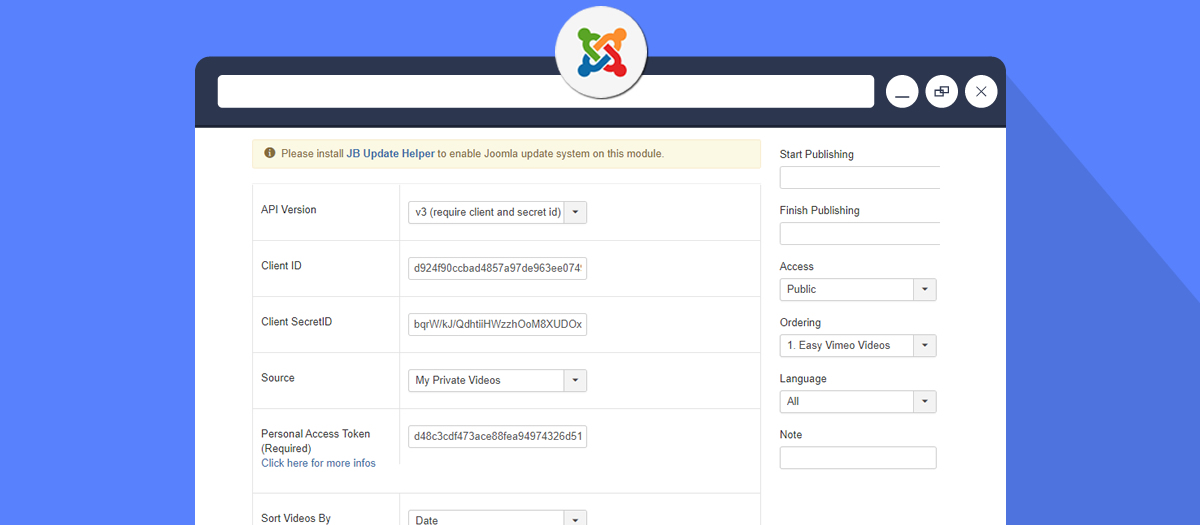
- Support displaying private videos
- Sort videos by by duration, plays, date, comments, likes or alphabetical
- Ability to change videos direction (Ascendant or Descendant)
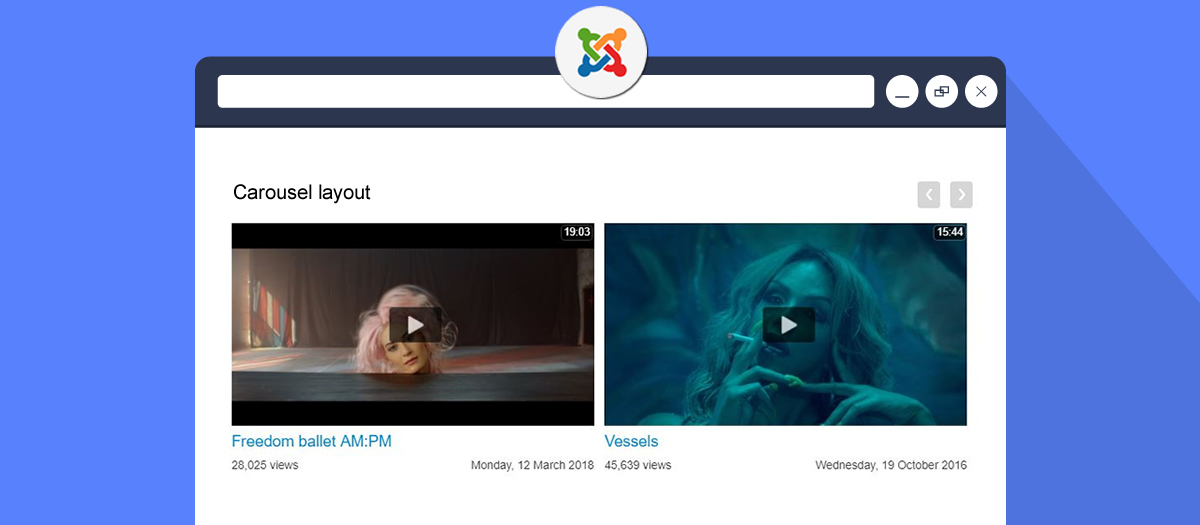
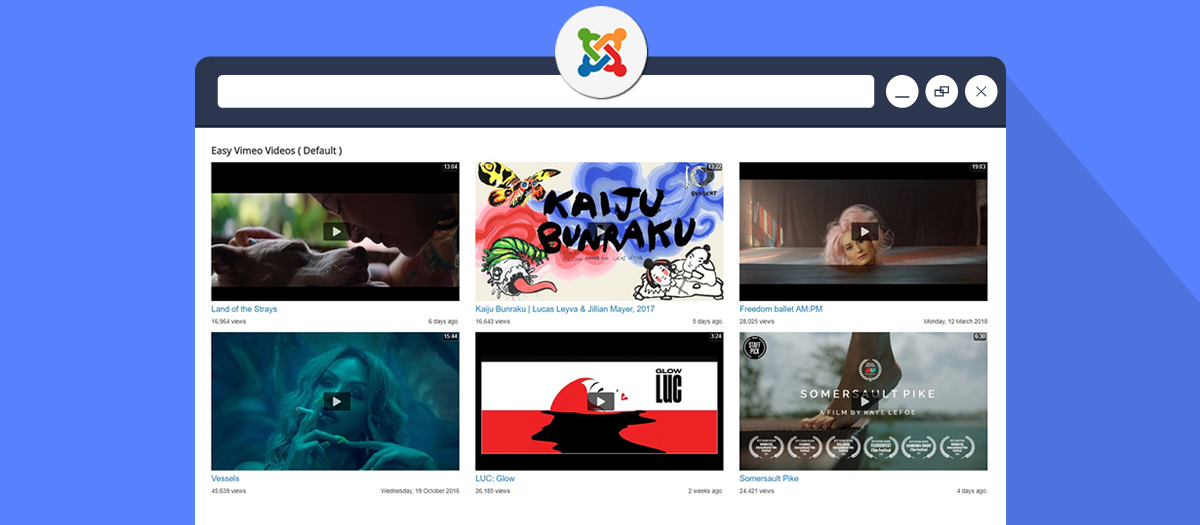
- Support 4 layouts (default, vertical, grid and carousel)
- Ability to change video item layout (default, card)
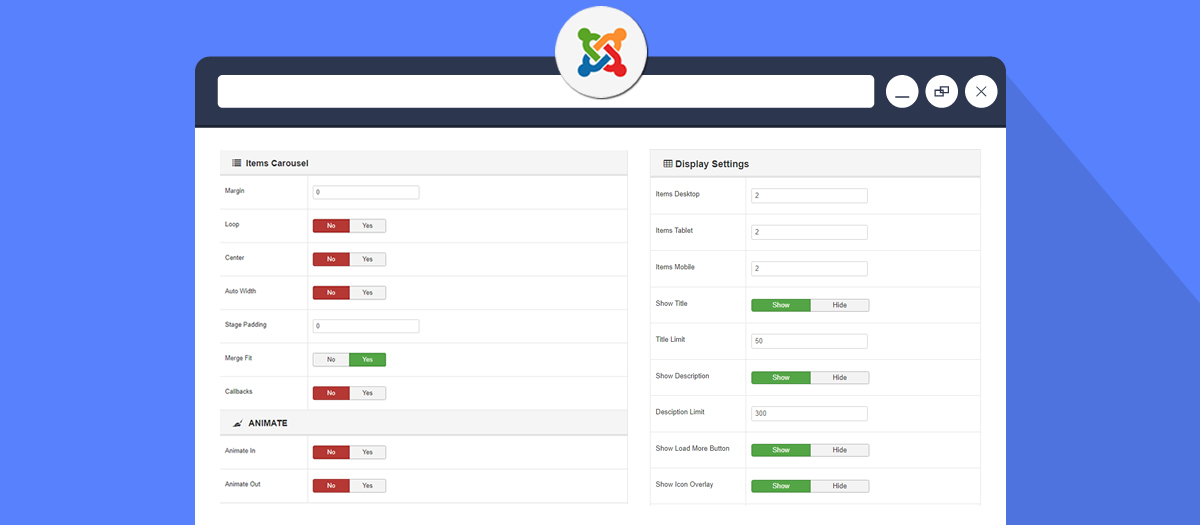
- Ability to set items columns in desktop, tablet and phone (for carousel layout only)
- Choose the total of videos to display
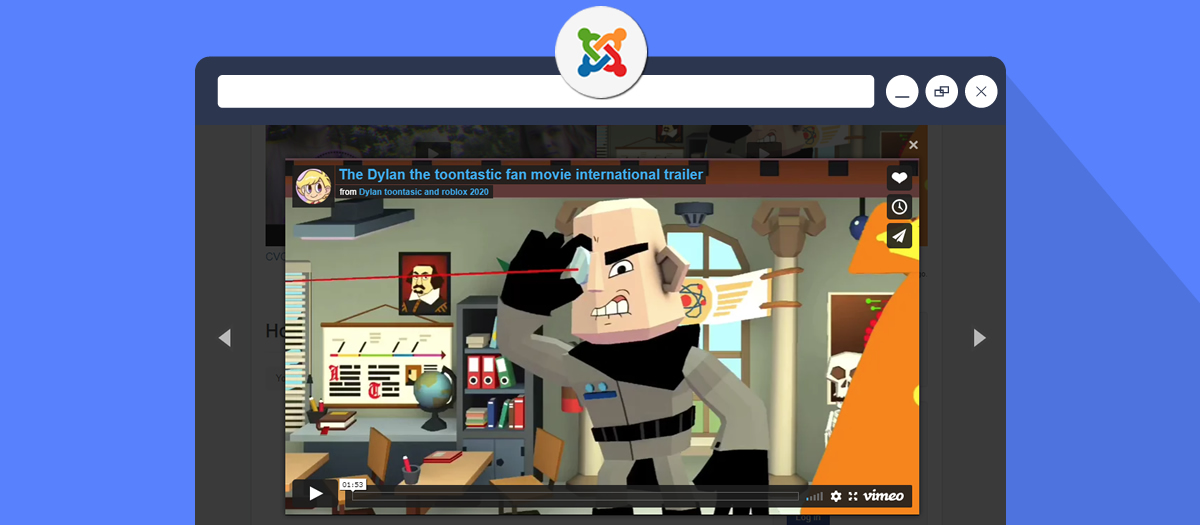
- Open video in modal with gallery mode navigation
- Support API version 3
- Ajax Videos loading
- Truncate video title and description
- Show/hide title and description in tooltips
- Download Video (for Pro accounts)
Carousel Features
- Change margin in items
- Infinity loop slides
- Center Item feature
- Auto Width
- Padding left and right on stage
- Fit merged items if screen smaller than items value
- Pause on mouse hover
- Animate In and Out
- Lazy images and content loading
- Smart speed calculation
- Enable or disable autoplay
- Define autoplay timeout
- Pause autoplay on mouse hover
- Show or hide Next/Prev buttons
- Change Next/Prev buttons text
- Show or hide dots navigation
- Change navigation color text and background
- Support mouse drag, touch drag and pull drag
Player Settings
- Enable or disable autoplay
- Enable or disable loop (continuously replay video)
- Enable or disable muted (start without sound)
- Show or hide video title in player
- Show or hide byline (creator information)
- Show or hide portrait (creator profile picture)
- Change player color (customize control colors)
- Enable or disable background mode (playback without controls)
- Enable or disable responsive sizing
- Enable or disable speed controls (allow playback speed adjustment)
- Enable or disable keyboard shortcuts
- Enable or disable picture-in-picture mode
- Show or hide player controls
- Enable or disable Do Not Track (privacy/GDPR compliance)
- Set default video quality (Auto, 240p, 360p, 540p, 720p, 1080p, 2K, 4K)
- Set default text track language (captions/subtitles)
- Enable or disable transparent background
Others
- Joomla 3, 4, 5 and 6 support
- Bootstrap 5+ support
- Joomla WebAssets support
- Joomla Namespacing support
- Joomla Layouts support
- Strong Administrator Settings
- Supports all the modern browsers